Man's Best Friend: Deluxe
- Regular price
-
$9.99 - Regular price
-
- Sale price
-
$9.99
Digital Download Required
Requires Manual Installation
Community Content on Flightsim.to
Couldn't load pickup availability


Special MSFS 2024 Note:
Due to Asobo disabling support for additional Co-Pilot Presets, installing Man’s Best Friend will replace all selectable Human Co-Pilot Presets with your new animal companions. To restore the Human Co-Pilot Presets, simply remove Man’s Best Friend from your Community Folder. That said, with Man's Best Friend installed, you will still be able to see Human Passengers that are loaded into the aircraft.
Who Needs Humans Anyway?
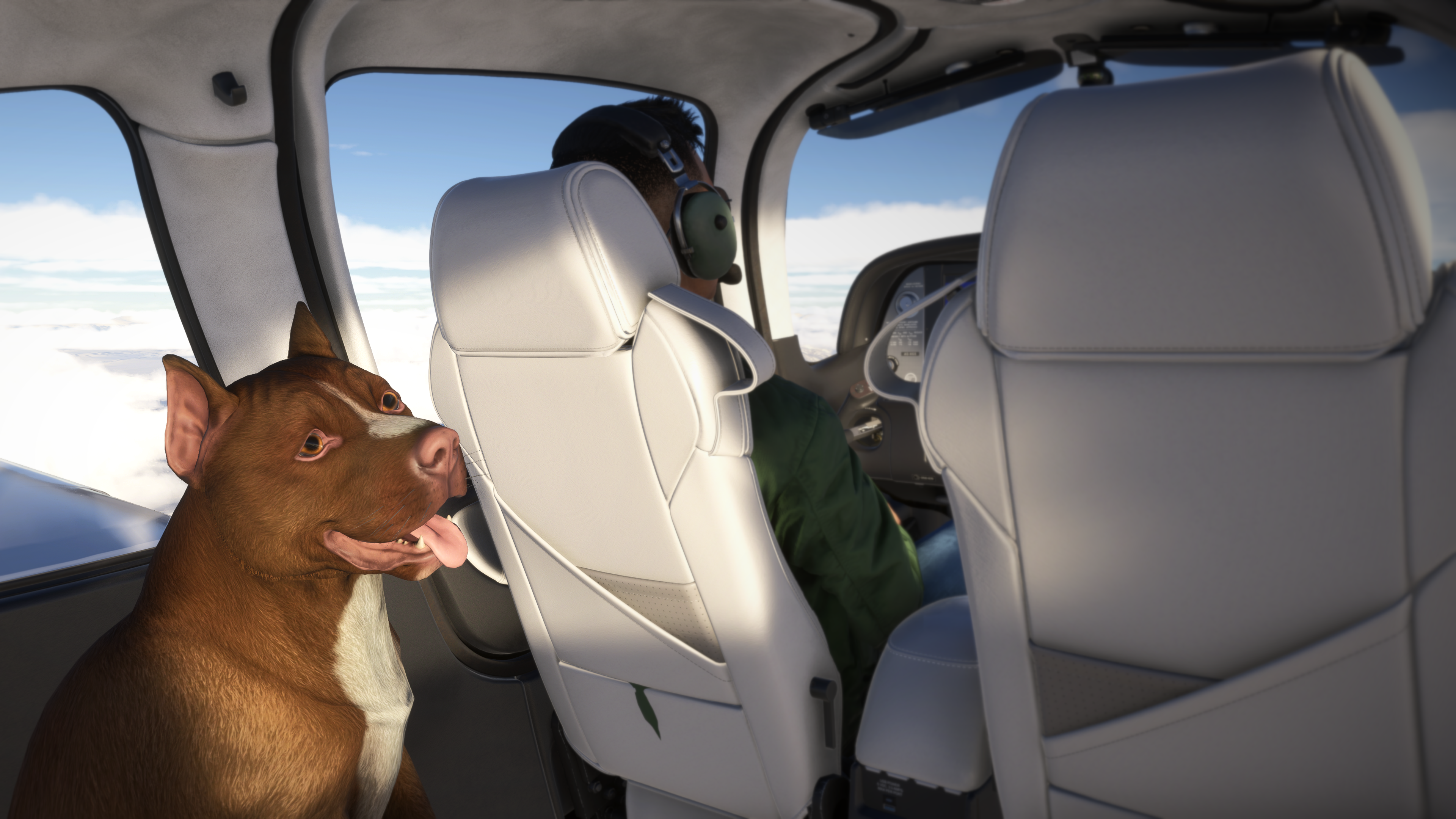
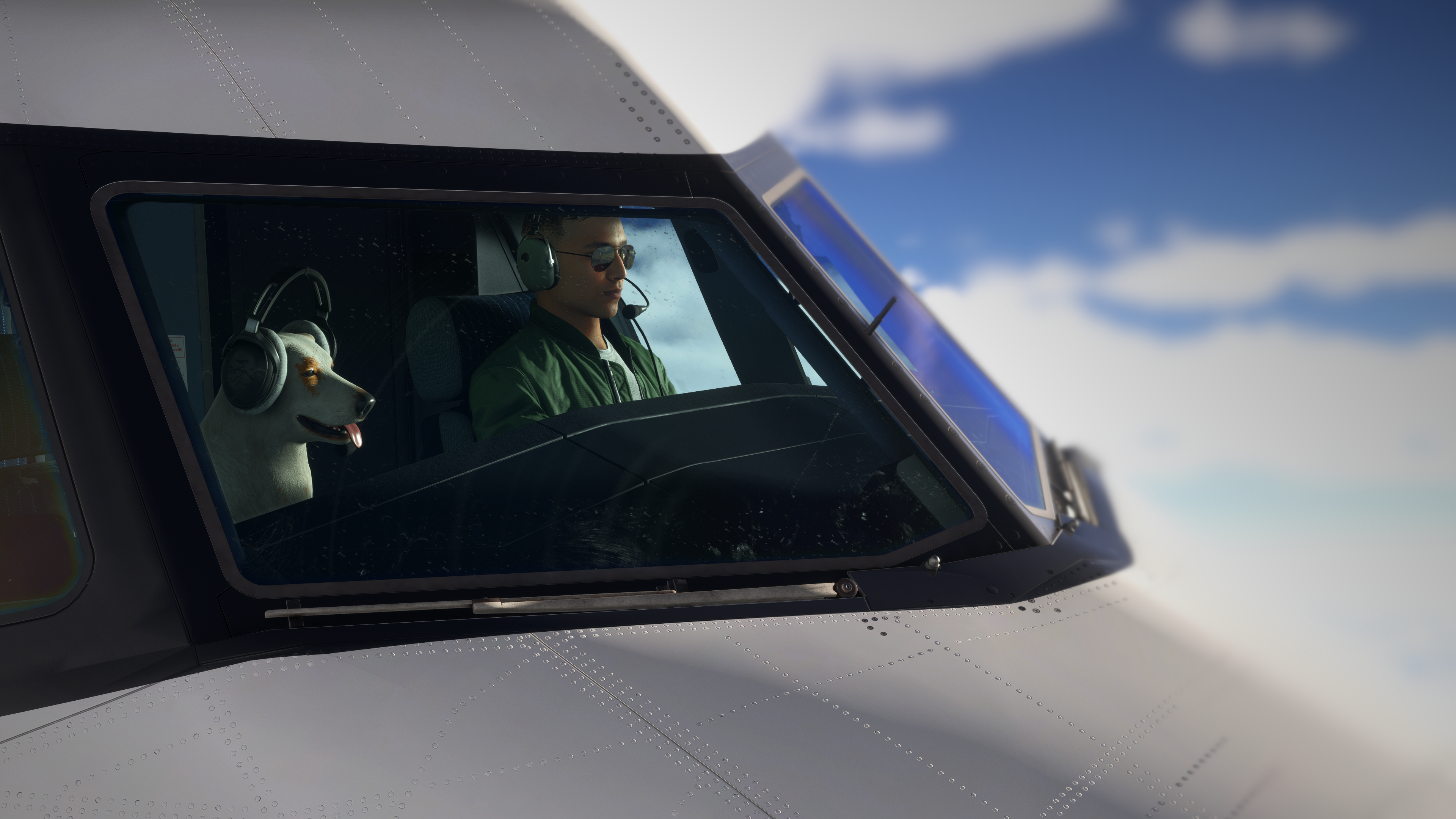
Man’s Best Friend uses MSFS 2024's native Co-Pilot system. If your companion does not appear inside the cockpit, please contact the aircraft developer and request Visible Co-Pilot Support. Typically, unless specially modified, forward compatible MSFS 2020 (Legacy) aircraft will not work with this new Co-Pilot system and are considered incompatible until they recieve a MSFS 2024 Native Upgrade.
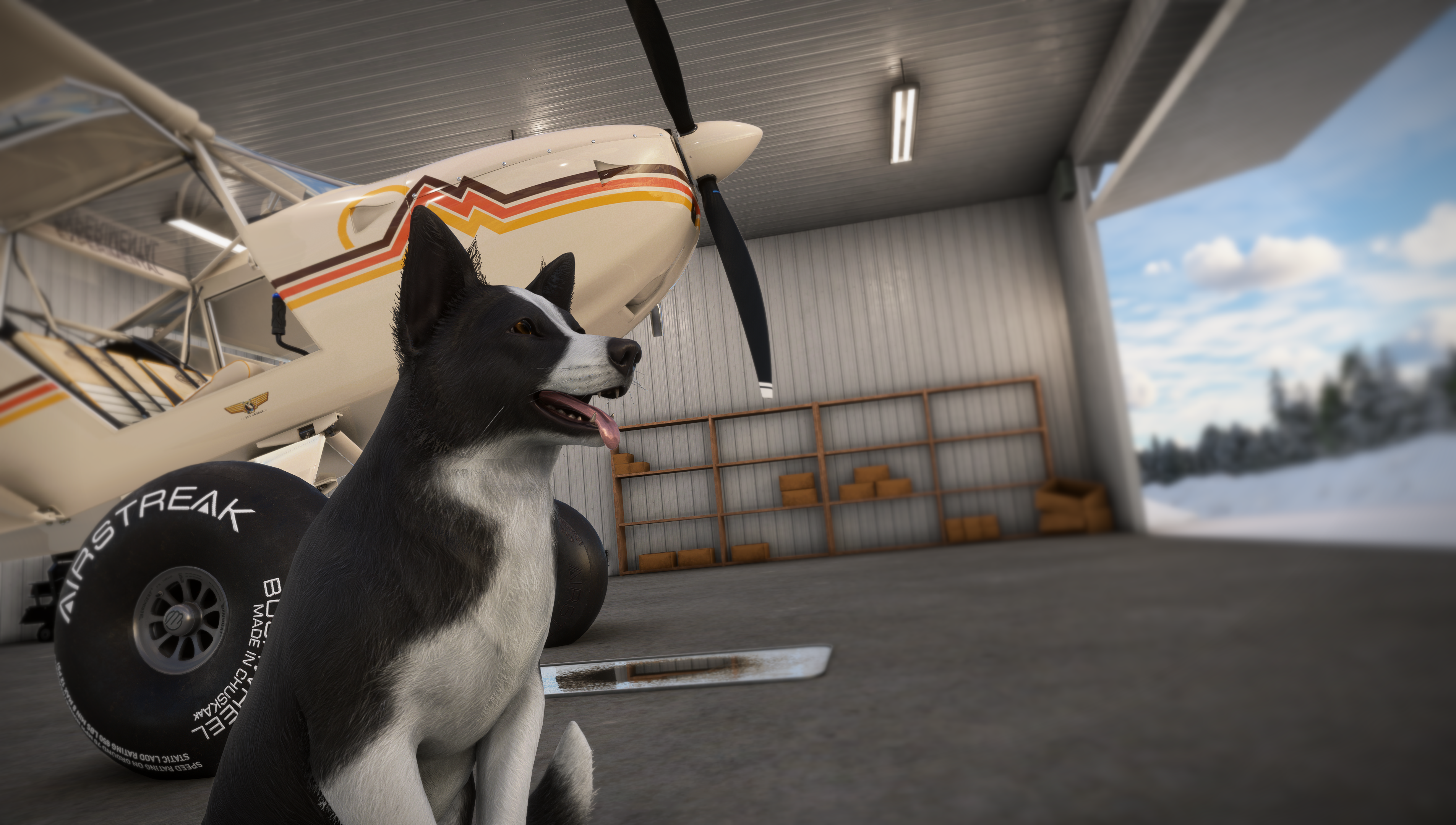
✦ 120+ Companions ✦ Place Them Anywhere ✦ Native Co-Pilot Support ✦ Made to Feel Unique ✦ More Than Dogs & Cats
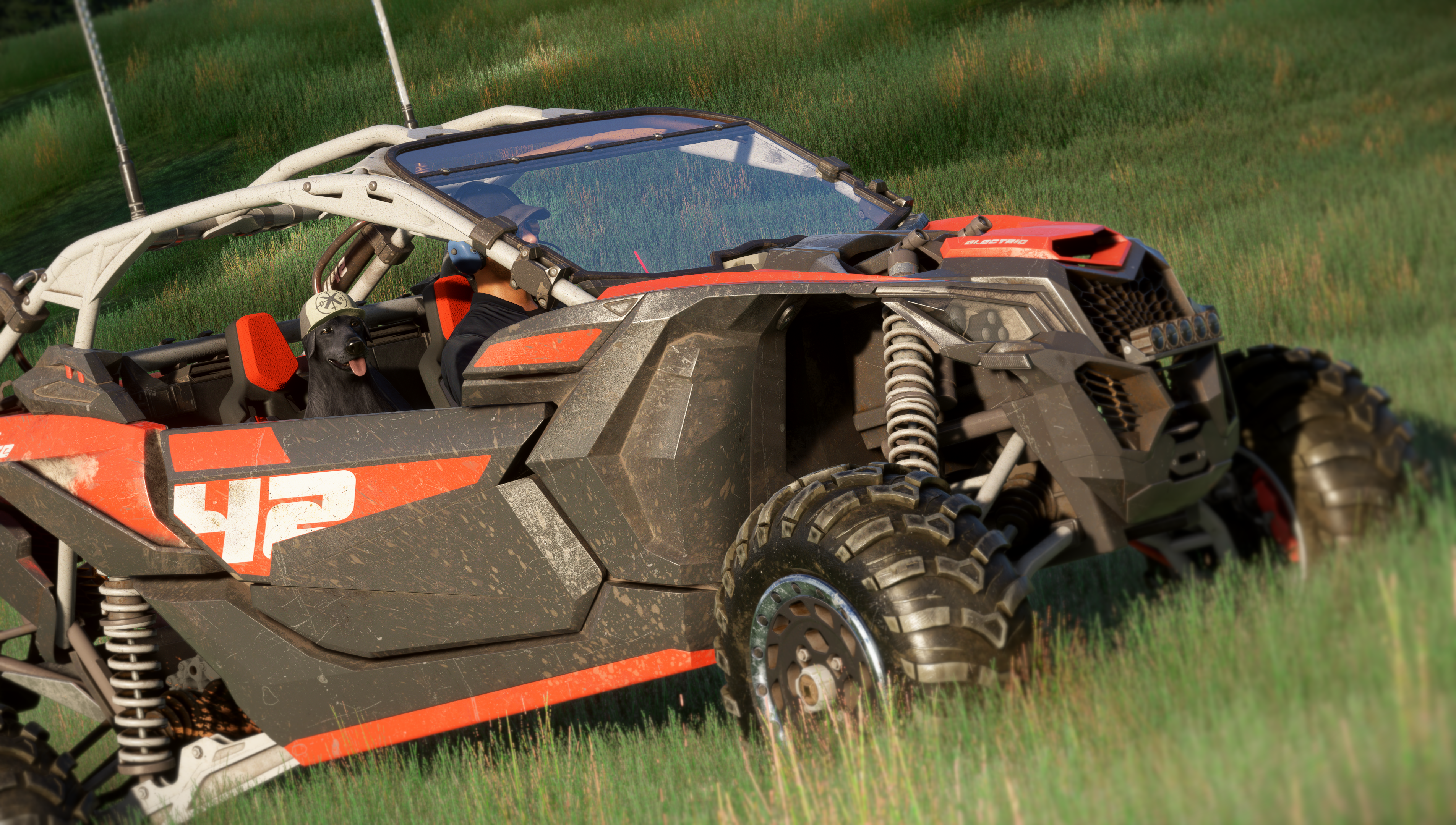
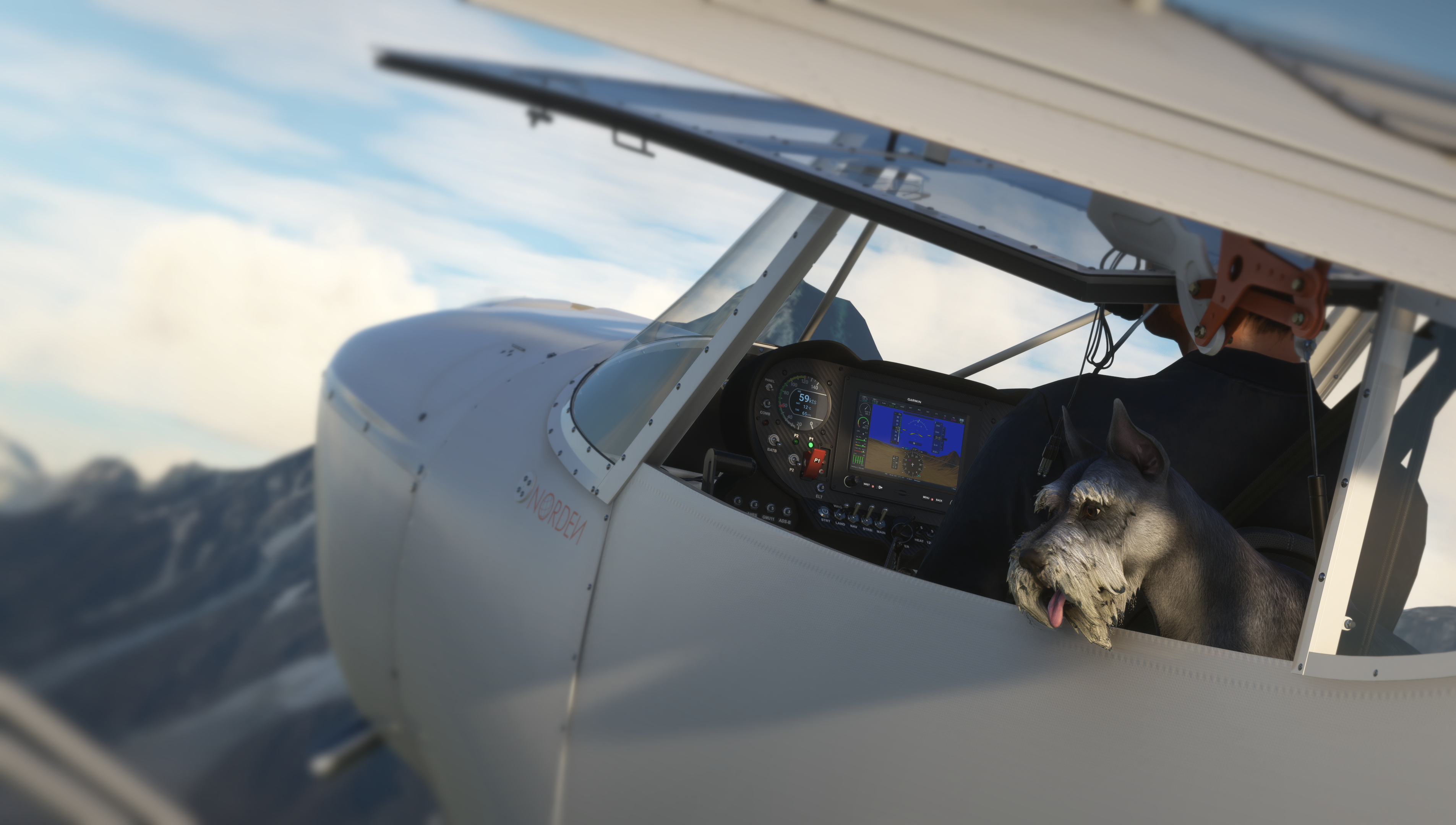
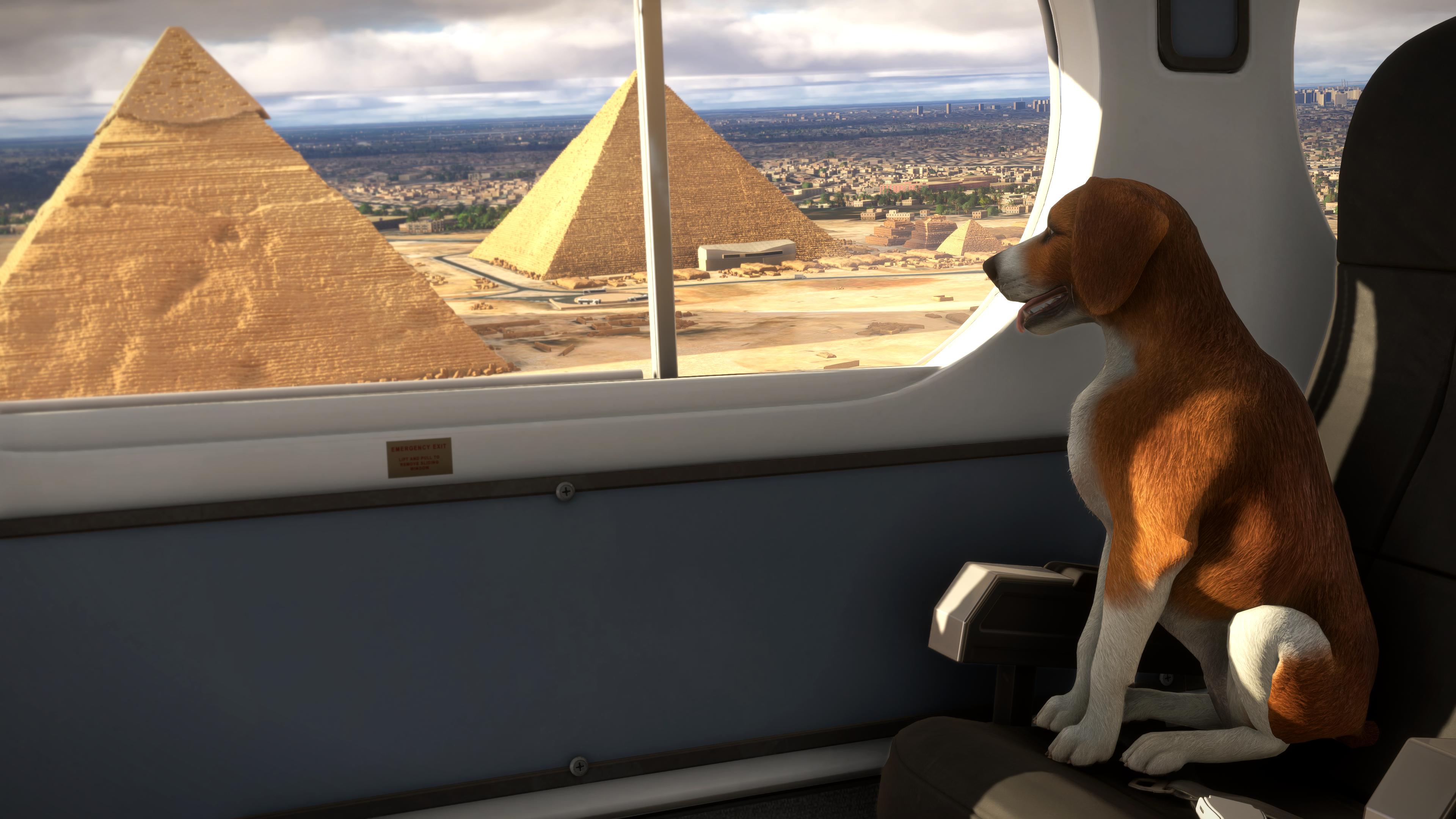
Build Your Dream Crew with More Than 40 Animal Types, 3+ Unique Variants Each, and Over 127 Companions Ready to Ride Along!
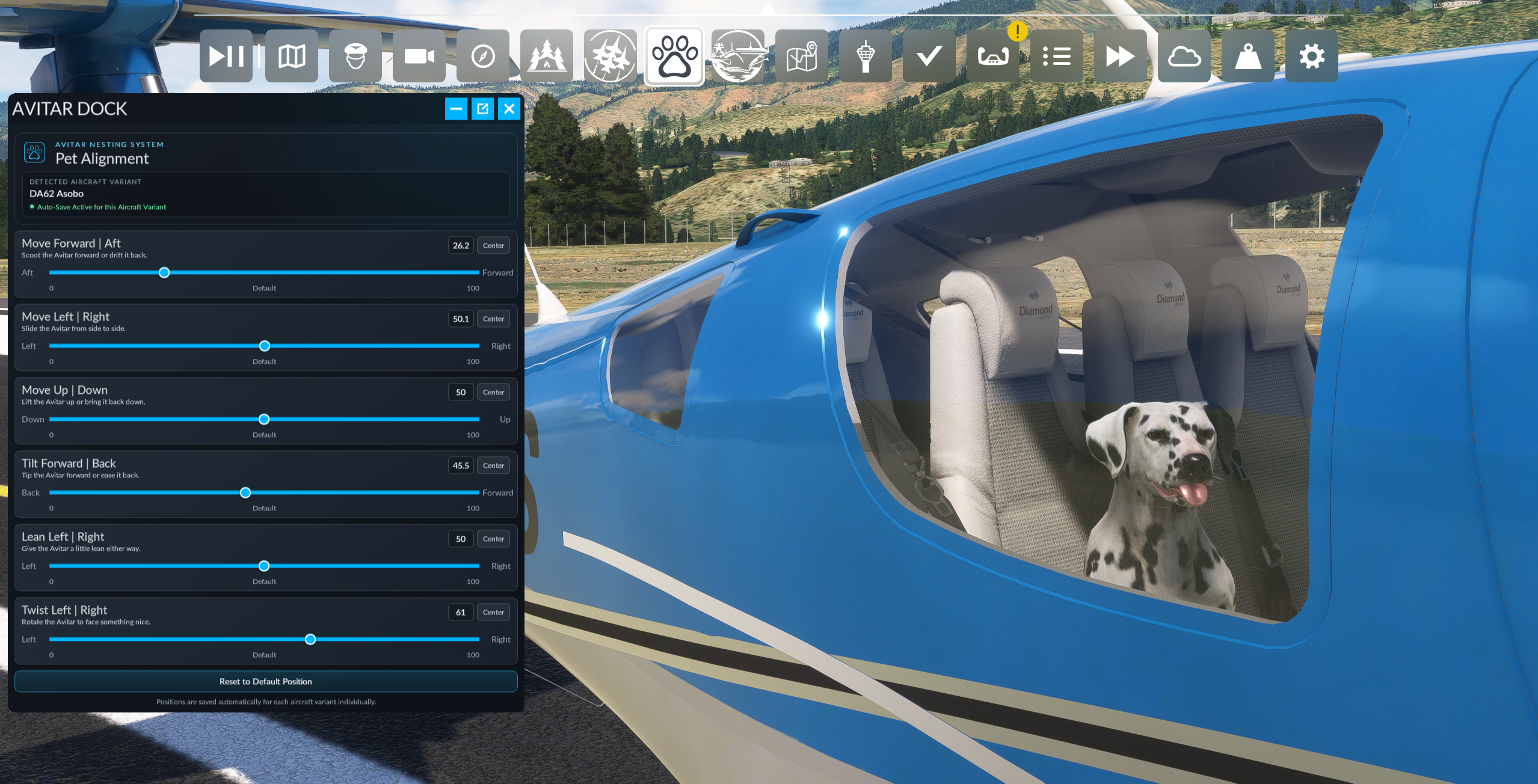
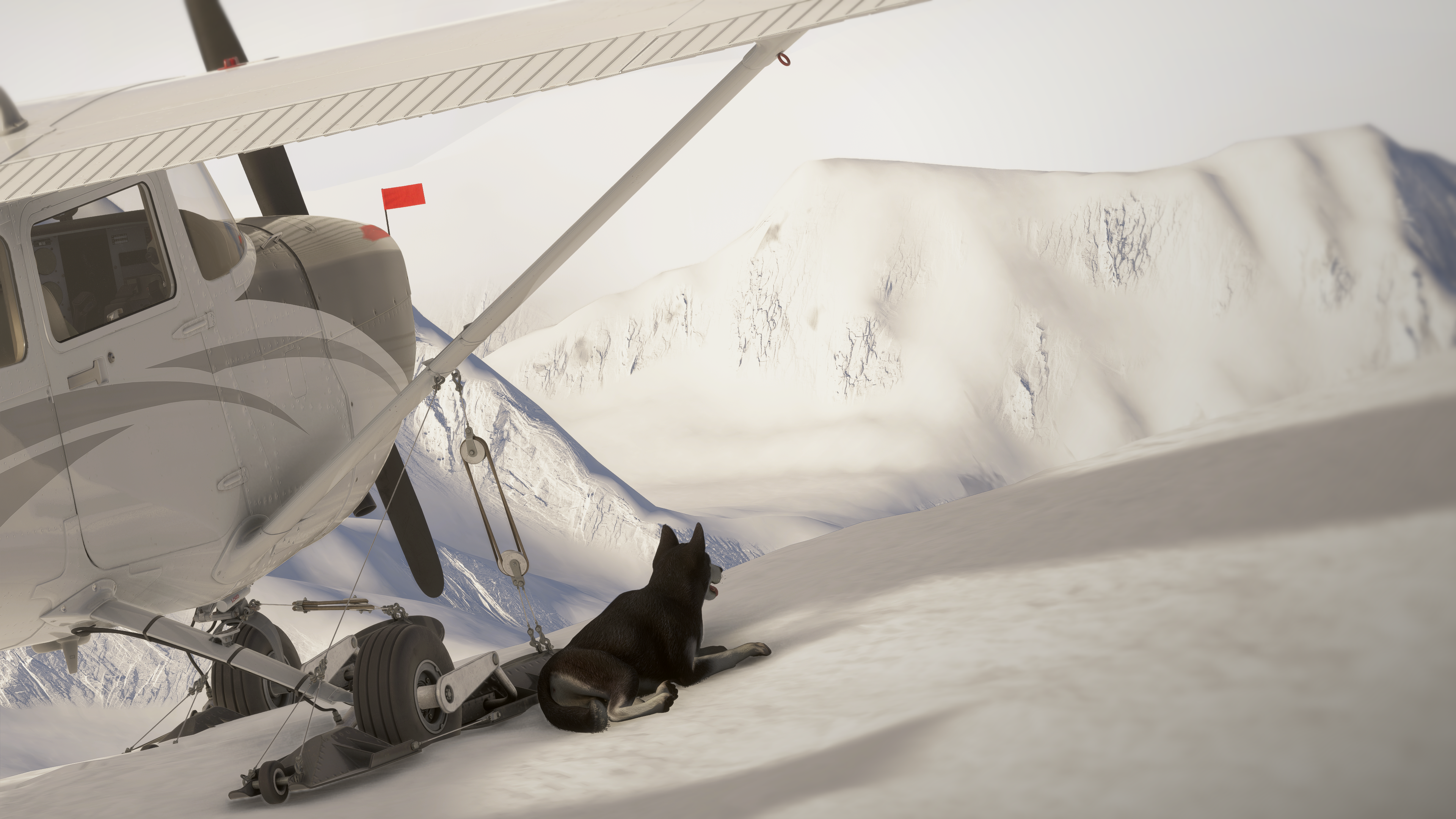
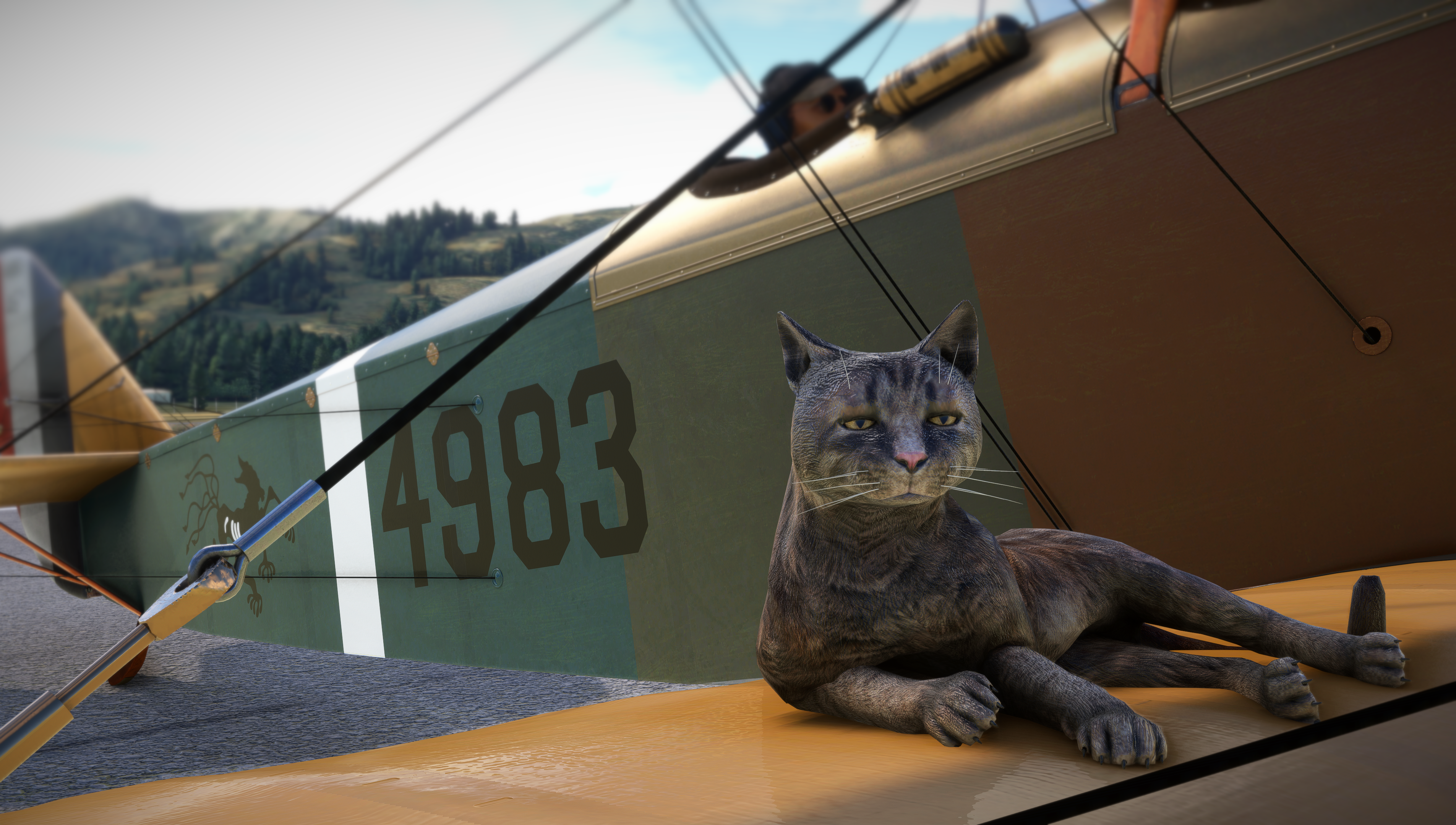
Drop Them in the Co-Pilot Seat, Toss Them in the Back, or Let Them Ride Somewhere Completely Ridiculous. Avitar Nest Gives You Full Six-Axis Control to Place, Tilt, Turn, and Perfectly Position Your Companion in Any Aircraft.
Choose Your New Best Friend Right from the Simulator’s Built-In Co-Pilot Menu and Bring Them Along for Every Flight with Seamless Native Integration.
No Copy-Paste Critters Here. Every Companion Has Its Own Size, Look, Animations, Movement, and Personality, Making Each One Feel Like a Completely Unique Passenger.
Dogs May Be the Heart of the Add-On, but the Adventure Does Not Stop There. Fly with Cats, Ducks, Rabbits, Tortoises, and Plenty of Other Unexpected Companions Ready to Claim the Co-Pilot Seat.


More Details:
Need Help? Getting Started:
MSFS 2020:
» Navigate to General Options --> Miscellaneous
» Set the Copilot Selection to Your Desired Companion
» Select an Aircraft; We Recommend Using One Designed to Display the Copilot while Inside the Cockpit
» Once Loaded into the Aircraft, Open the Avitar Nest Panel from the In-Game Top Bar Menu
» Use the Six-Axis Controls to Adjust Your Companion’s Position, Tilt, Lean, and Direction
» Your Positioning Selections Will Automatically Save for Each Individual Aircraft Variant
» When You Return to That Aircraft, Open Avitar Nest and Your Saved Positioning Data Will Automatically Load
MSFS 2024:
» Navigate to Character --> Customize Identity (Click your Gamertag at Home Menu)
» Set the Copilot Selection to Your Desired Companion
» Select an Aircraft; You must use an Aircraft that has a Copilot, not a Passenger, for the 2nd Seating Position
» Reminder, Animal Companions will not work on MSFS 2020 (Legacy) Aircraft that have been forward ported to MSFS 2024.
» Once Loaded into the Aircraft, Open the Avitar Nest Panel from the In-Game Top Bar Menu
» Use the Six-Axis Controls to Adjust Your Companion’s Position, Tilt, Lean, and Direction
» Your Positioning Selections Will Automatically Save for Each Individual Aircraft Variant
» When You Return to That Aircraft, Open Avitar Nest and Your Saved Positioning Data Will Automatically Load
Full List of Companions:
Dog Breeds:
(3 Variations Each)
» Akita
» Beagle
» Border Collie
» Boxer
» Bull Terrier
» Bulldog
» Corgi
» Dachshund
» Dalmatian
» Doberman
» French Bulldog
» Golden Retriever
» Husky
» Jack-Russel Terrier
» Labrador Retriever
» Labrador Puppy
» Pitbull
» Poodle
» Pug
» Mixed Breed
» Rottweiler
» Samoyed
» Schnauzer
» German Shepherd
» Shiba Inu
» Spitz
» Toy Terrier
» York Terrier
Cat Types:
(5+ Variations Each)
» Standard
» House
» Skinny
» Heavy
» Stray
» Kitten
Miscellaneous:
(3 Variations Each)
» Duck
» Tortoise
» Rabbit
Full Feature List:
» Massive Collection of More Than 40 Animal Types
» 3+ Unique Variants for Each Animal Type, Providing Over 127 Companions
» Custom Avitar Nest Positioning System Accessible from the In-Game Top Bar and in VR
» Six-Axis Placement Controls for Position, Tilt, Lean, and Direction
» Newly Detailed 3D Models with High-Quality Custom Textures
» Unique, Smooth Idle Animations Designed Specifically for Each Companion
» Native Integration with the Microsoft Flight Simulator 2020 Copilot System
» Automatic Position Saving for Every Individual Aircraft Variant
» Flexible Placement Inside or Outside Any Aircraft
» Dedicated Selection Thumbnails for Every Included Companion
» Designed for Everyday Flying, Exploration, and Cinematic Photography
» Visible Cockpit Copilot Support on Compatible Aircraft, Subject to Individual Aircraft Developer Implementation